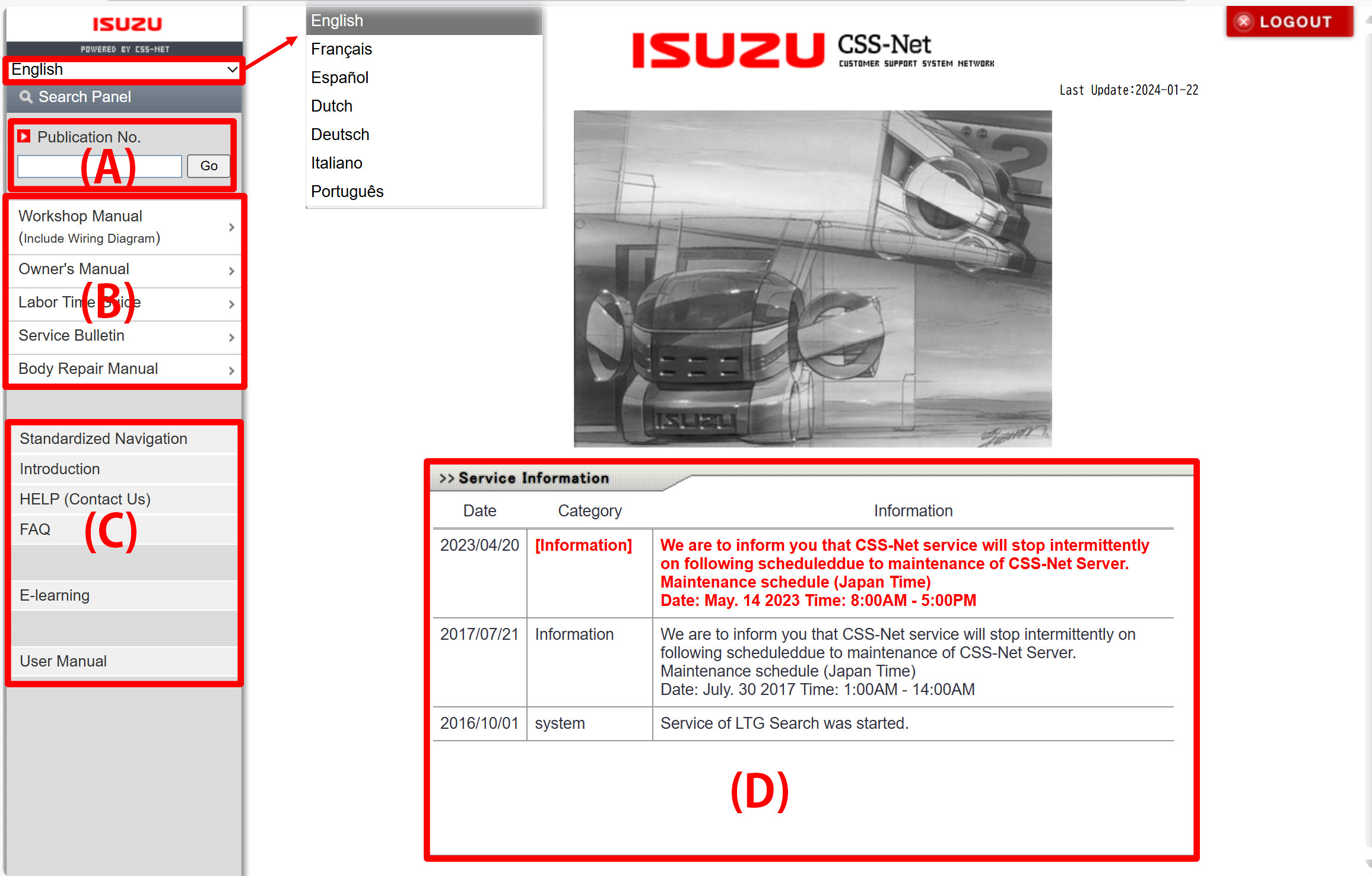
You can select a language from the selection in the upper left.
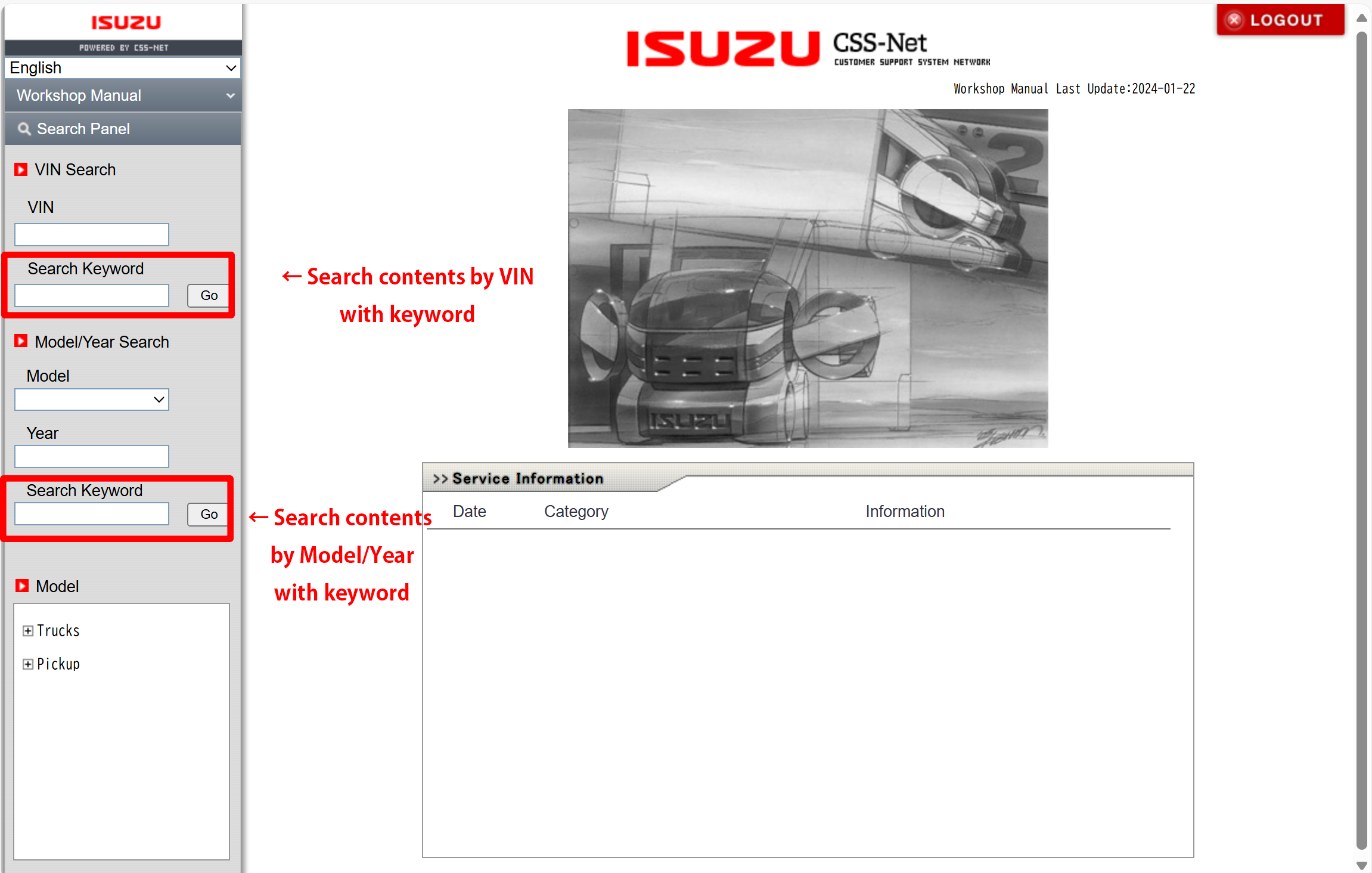
A fuzzy word search can be performed.
▼Example:When searching with "LGHTML"
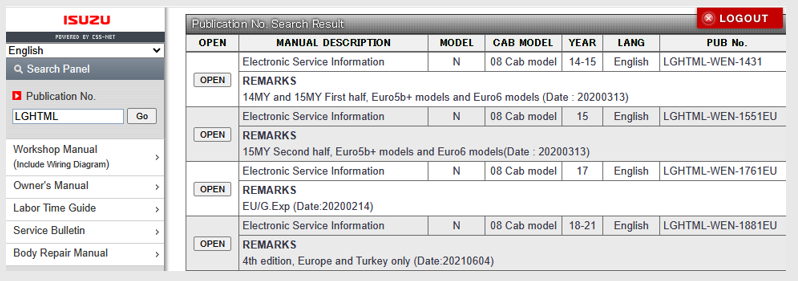
You can search by any combination of VIN, Model and Year.
Model information can be searched from the tree view.
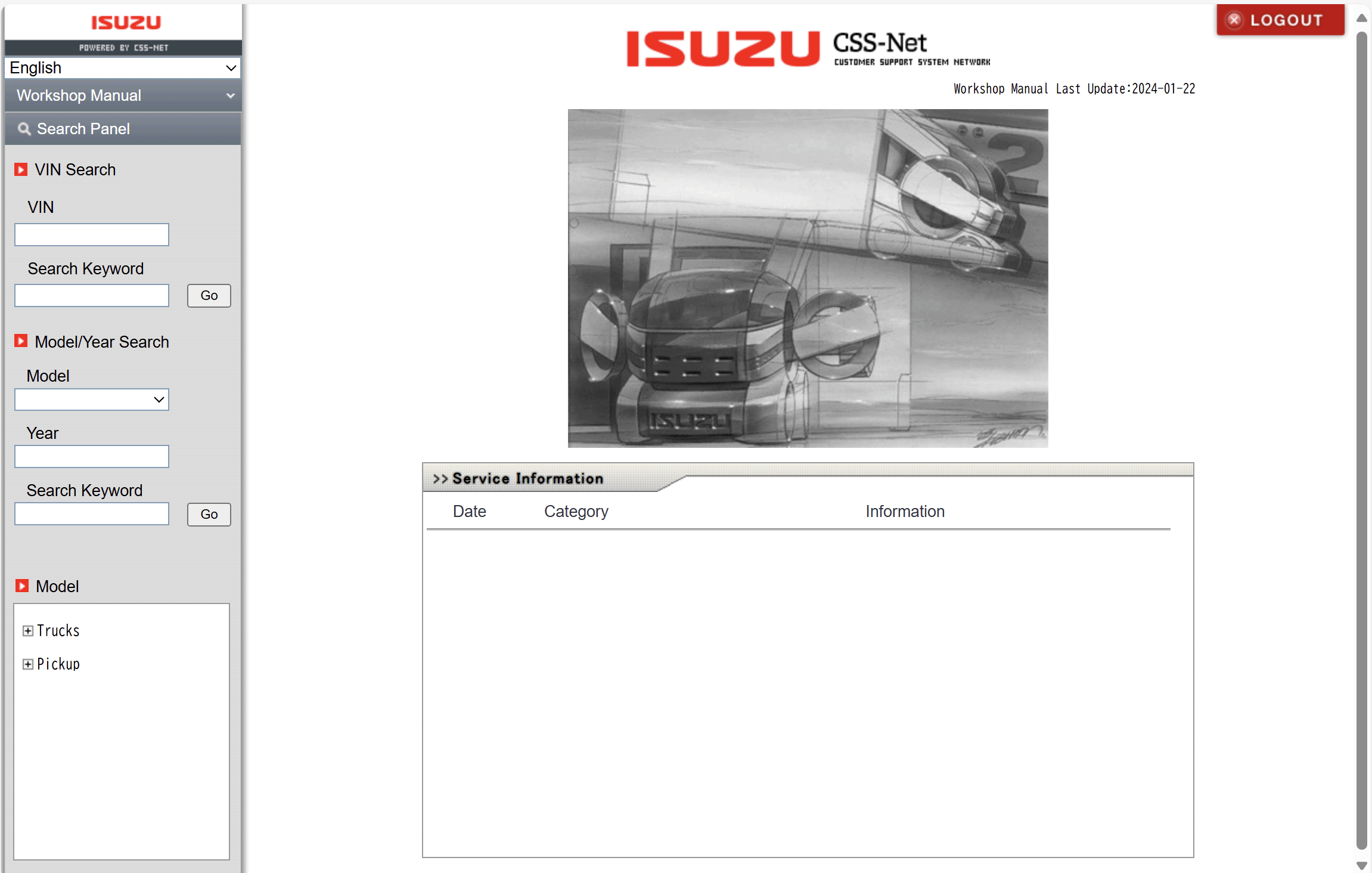
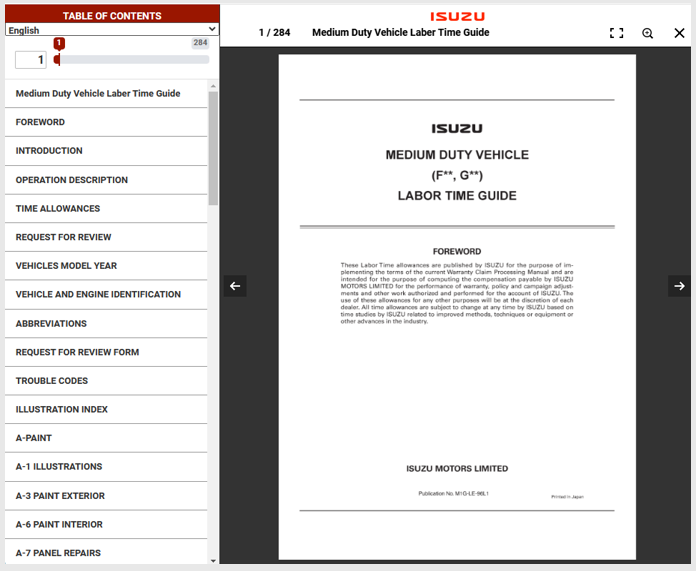
Click the OPEN button of the manual you want to see.
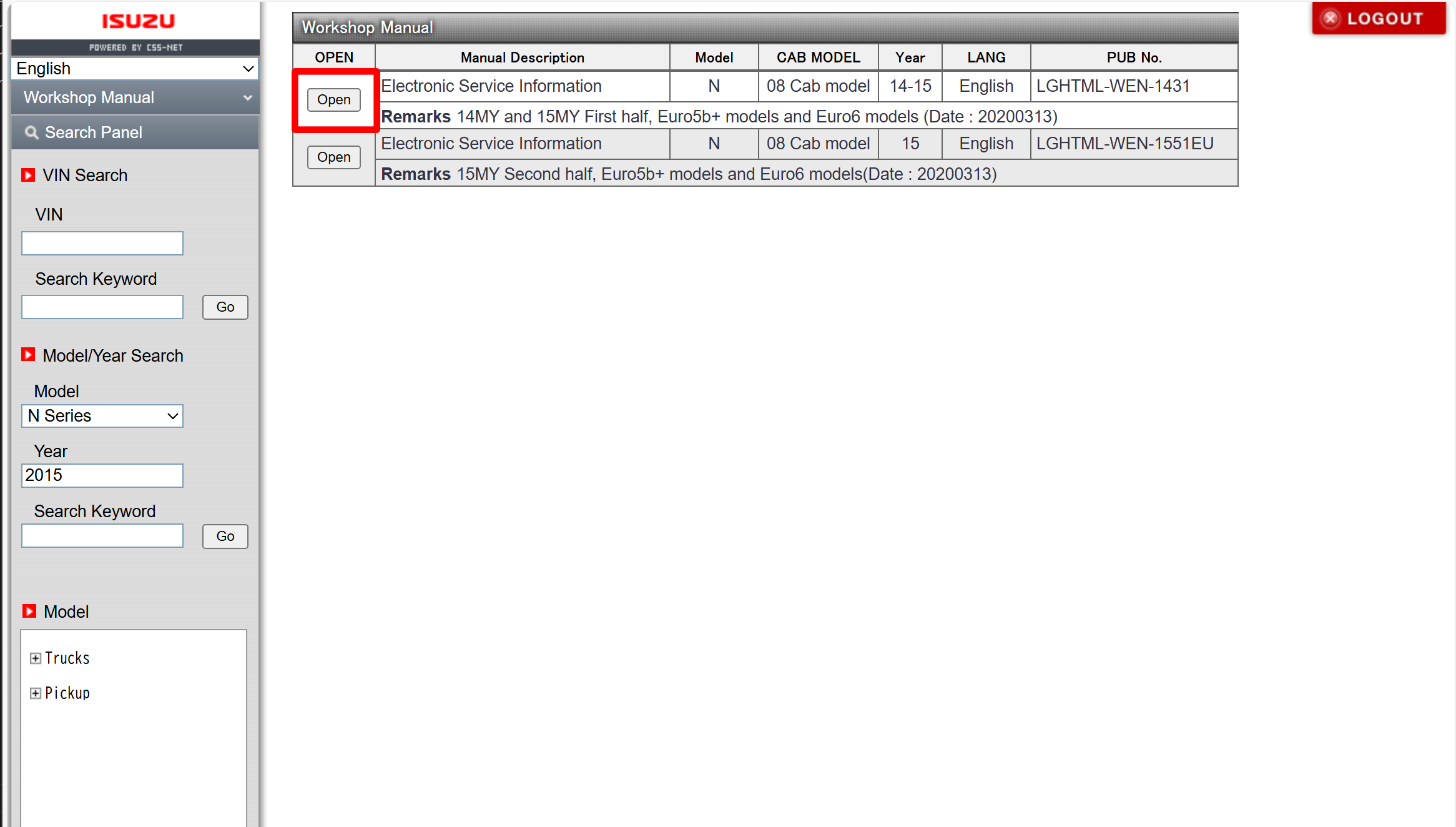
The manual is displayed.
When you searched by a VIN, the manual content will be narrowed down to
the related contents of the vehicle's specific equipment: engines or transmissions etc.
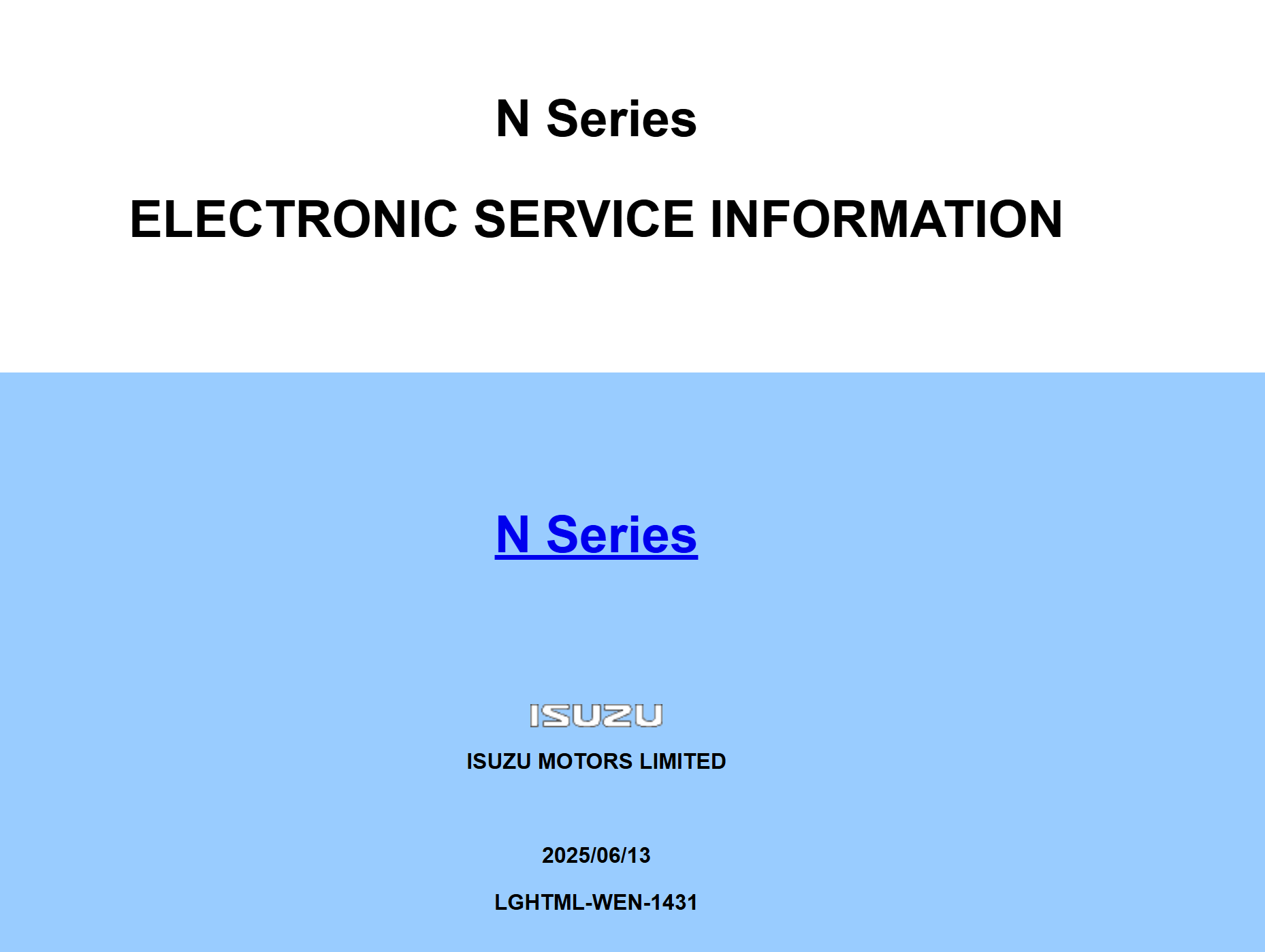
In workshop manual, you can search the manual contents by keywords,
with combination of VIN, Model and Year.
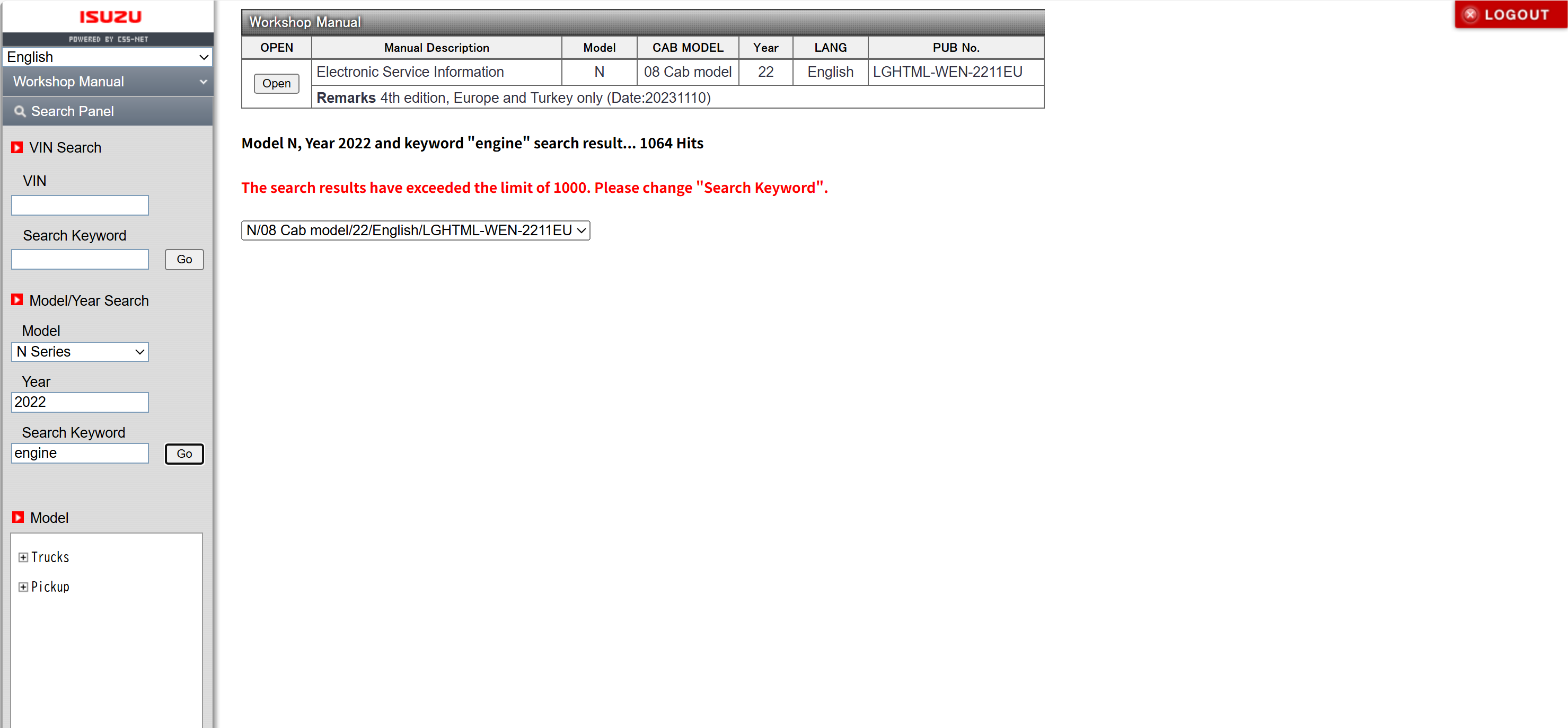
You can specify single or multiple keywords with space separated words.
Maximum of 5 words you can use.
Each words should be longer than 2 characters.
When you specified multiple words, AND search will be first tested,
and then when no search result found in AND search, OR search will be tested.
When you searched by a VIN, the search result will be narrowed down to
the related contents of the vehicle's specific equipment: engines or transmissions etc.
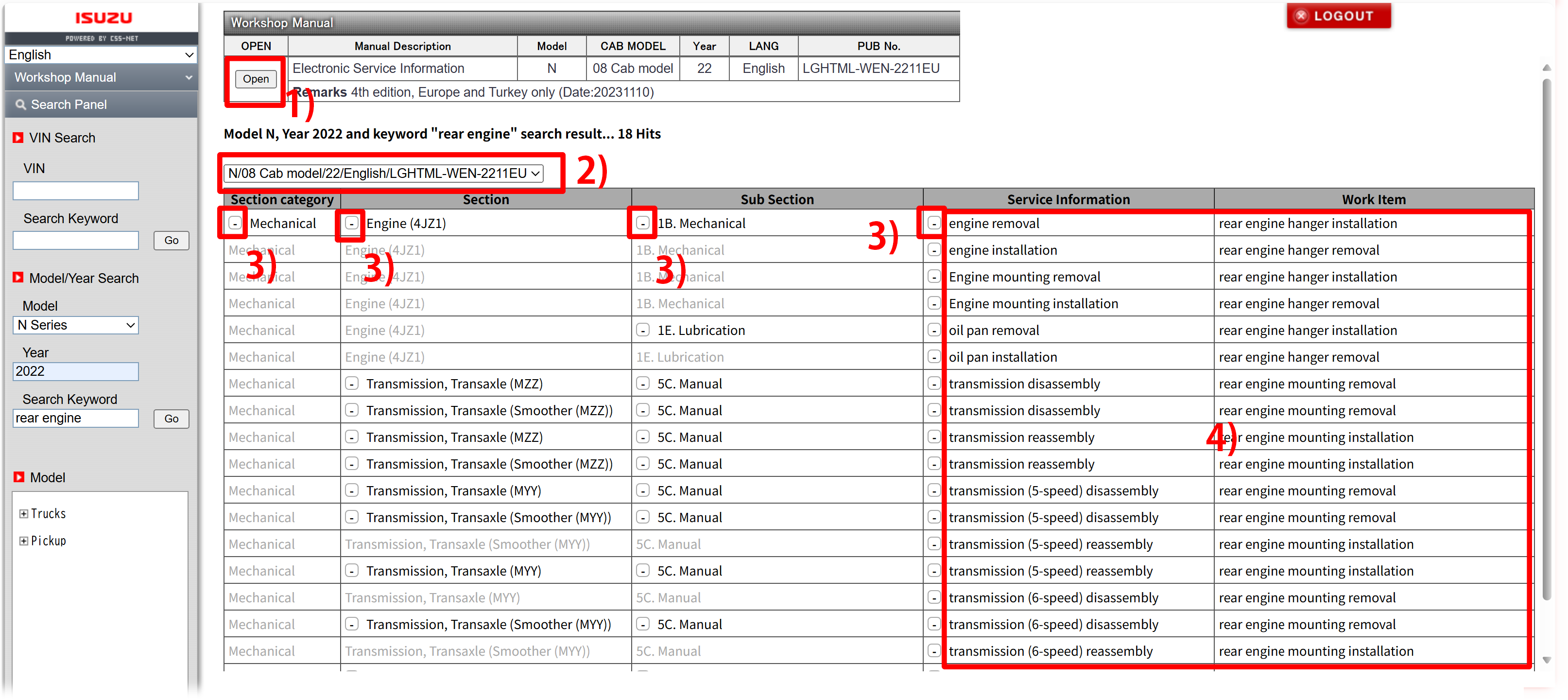
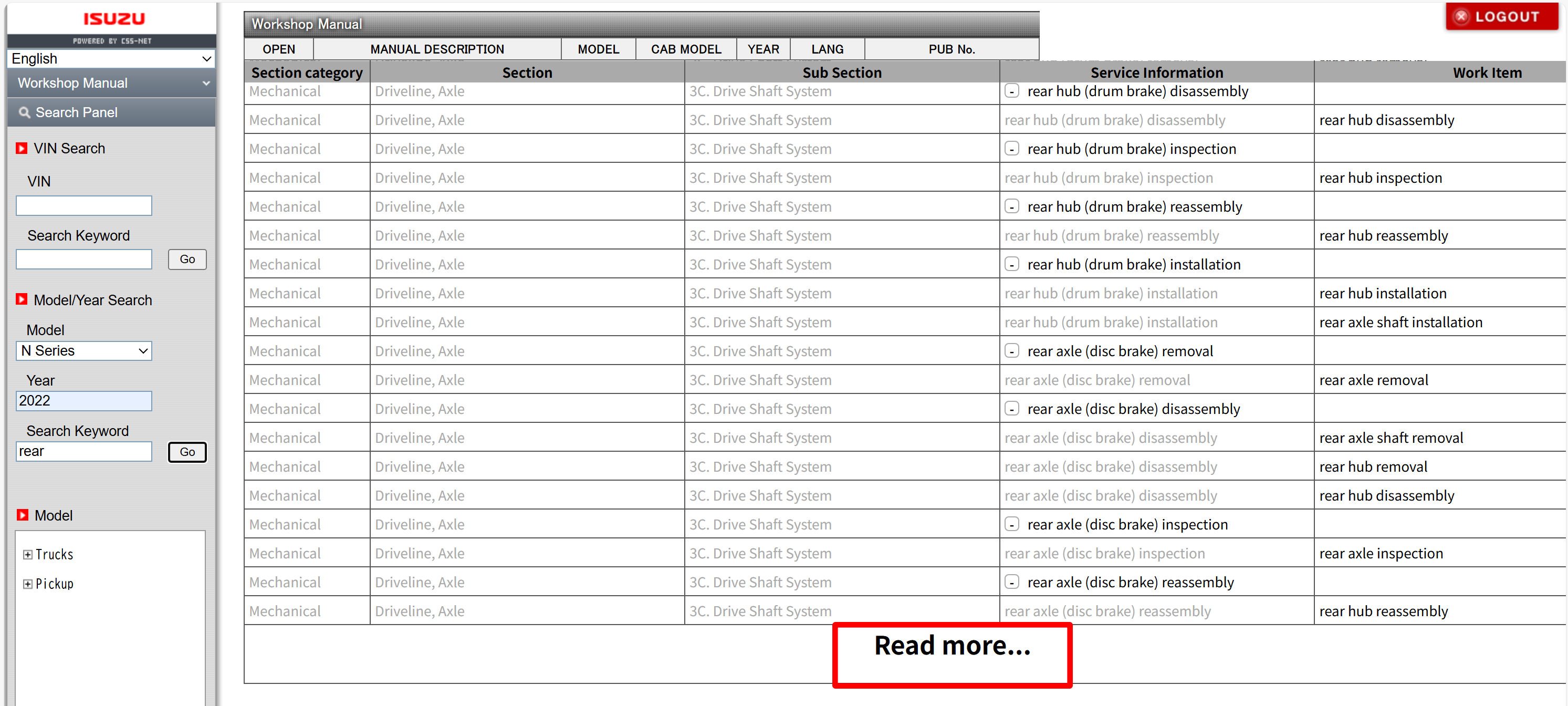
The keyword search result will form a tree table of contents,
in Section Category > Secion > Sub Section > Service Information > Work Item hierarchy.
The Service Information or The Work Item will be searched by the keywords.
When you click area 1): You can simply open the top page of the manual.
When you click area 2): You can select the manual you want to view from the multiple manuals found by keyword search results.
When you click area 3): You can expand or fold the result tree node.
When you click area 4): You will be directly navigated to the content described in the link by clicking links.
When you select a series name, a list is displayed.
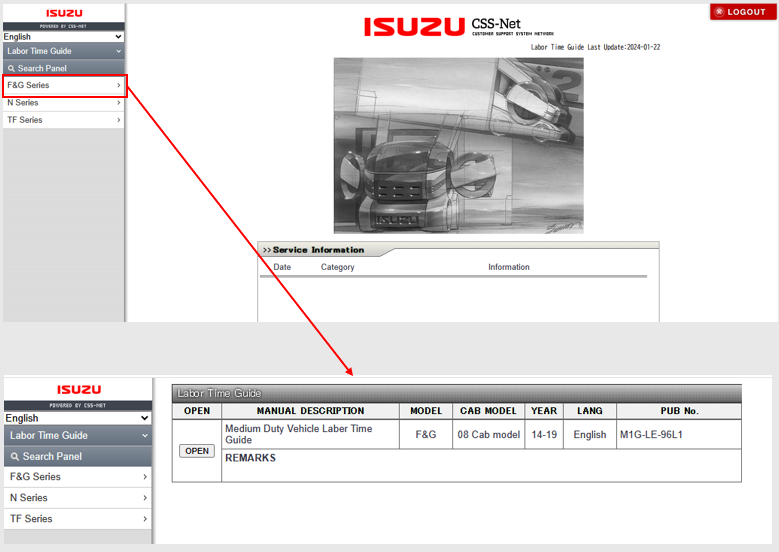
When you click "OPEN," the manual is displayed.